I am not abandoning this blog just yet, although it may seem that I already have.
But I am going to try to be more active on my photo site's blog. For family who may be following me here, please come join me there:
http://www.oscarsonphoto.com/blog/


8/10/14
Testing 1-2-3
Hello.
I am working on a new website to use as more of a simple portfolio (as opposed to the business-orientated site we currently have up).
I am going to move the blog over there once I have figured out to to link it all up. I do not want to loose anyone in the move!!
More soon!
I am working on a new website to use as more of a simple portfolio (as opposed to the business-orientated site we currently have up).
I am going to move the blog over there once I have figured out to to link it all up. I do not want to loose anyone in the move!!
More soon!
4/30/14
The one year catch up
Ok then. It has been a little over a year, so I guess it is time for a post.
Grandma, this is for you because we love you and miss you terribly.
I have selected a string of photos that somewhat captures the last year of our lives. As it turns out, the string of photos starts with the most recent and goes backwards... I hope this is not too jarring for you all.
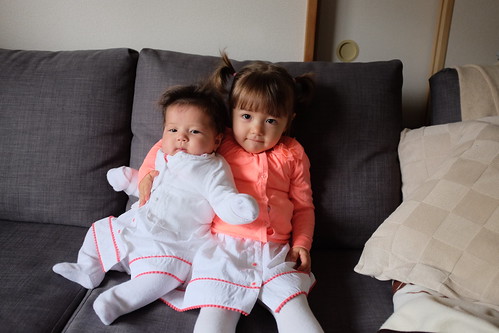
We now have two little girls who are the light and love of our lives. You will see a lot of the older one (Hero) as she has been around longer than the new one (Star). Yes, we named our daughters Hero and Star. What can I say? They were our top two favorite names independent of each other. We like them and they suit our little ones very well.
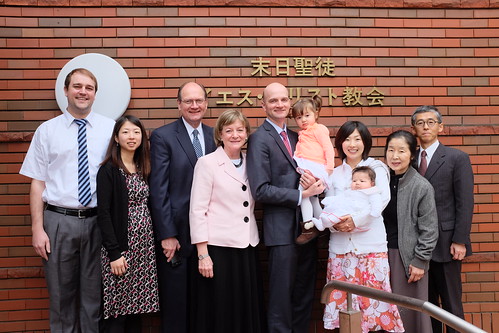
My parents came to Japan for the first time ever just in time to participate in our blessing of Star. It was one of the most special days of my whole life. I hope I never forget any of it.
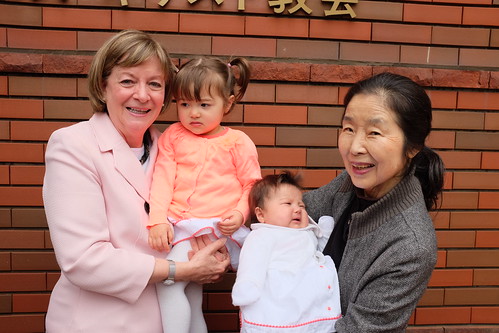
Someday I will write a very focused touching post on how important it is to me that my girls have the two most amazing examples in their grandmothers (and great-grandmothers) on both sides of the family. These two women are everything I could ever hope my girls would become. They are spiritual giants who adore their granddaughters. Despite the girls' faces in the photo above, their love their grandmoms.
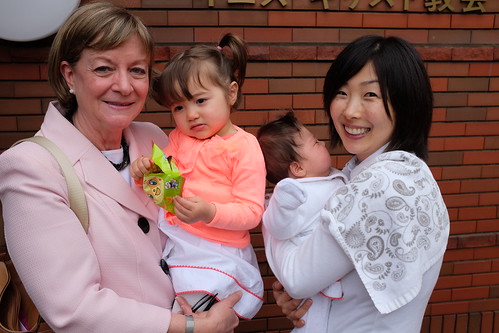
I miss my Mo.
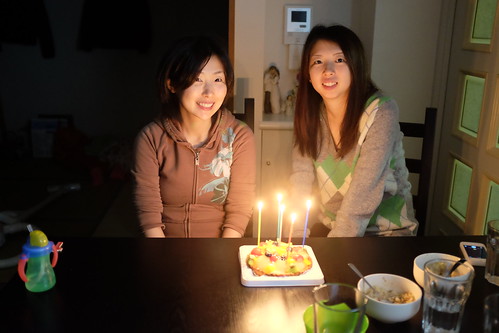
It has also been quite a fun blessing to live in the same complex as Sho's only sister. Their birthdays are close enough to share cake, so that's another bonus.
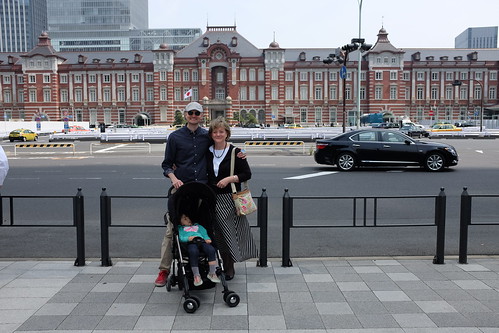
Did I mention how much I like my mother? She came to see me in Tokyo. I am pretty sure that is the only reason they came.

I think they liked what they saw here.

The company didn't hurt either.
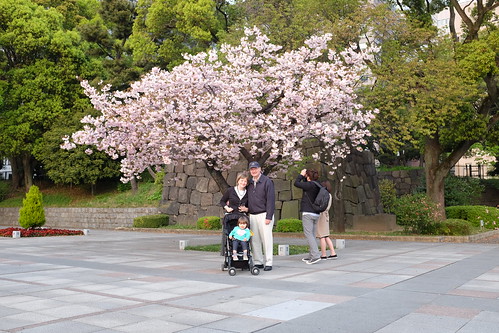
I live in a very clean and pretty place.
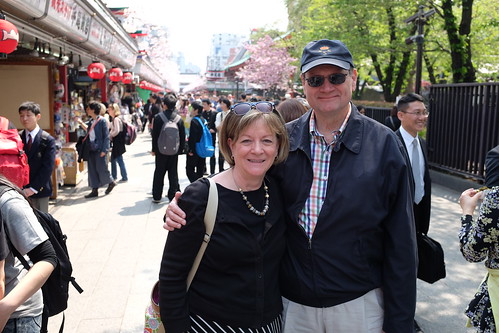
The happy tourists.
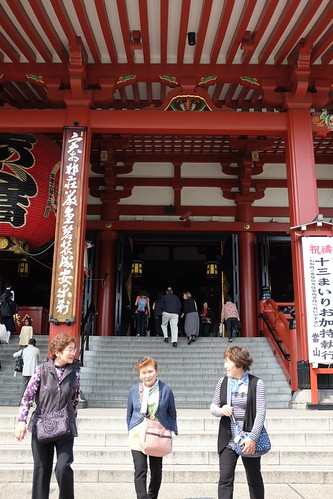
My parents have always been faithful temple goers.
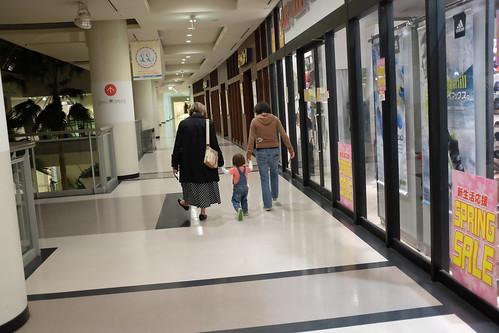
I want my girls to know their Mo.
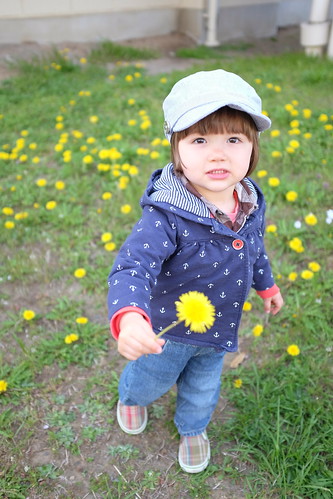
Hero just happens to be in that perfectly cute stage right now.
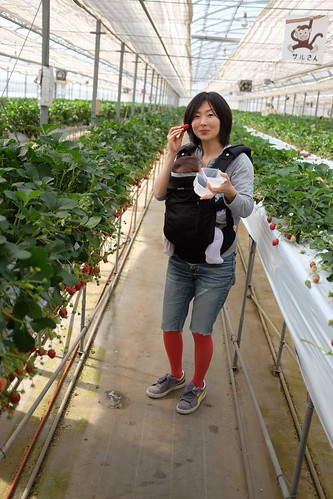
We took a car ride out to the country to a strawberry farm. All you can eat for a half hour. They give you a little tray with condensed milk. It was awesome.

The buffet line.
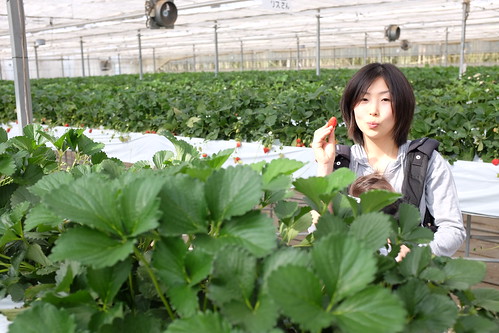
We ate lots of strawberries.

like... lots.

Our girls are happy and adorable together.

This one has just recently started giggling and it is hilarious and cute.
My work situation changed a bit at the start of this year and I LOVE my job. Sometime I get to do things that just really make me happy. Like take photos.
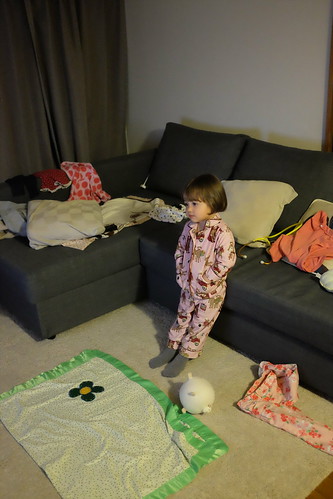
She is growing out of these PJs and that makes me really sad.
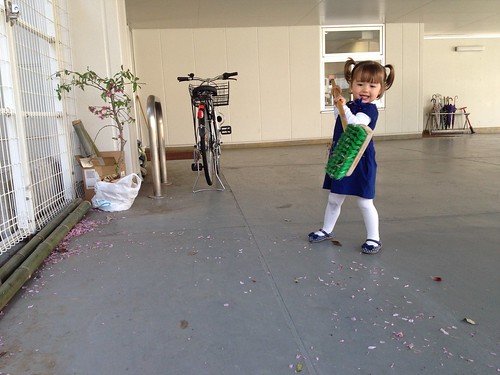
Big help.

Just being cute in Japan.

Hero loves hats and backpacks.

She is like a Star shining brightly...
These two are going to get along swell... we hope.
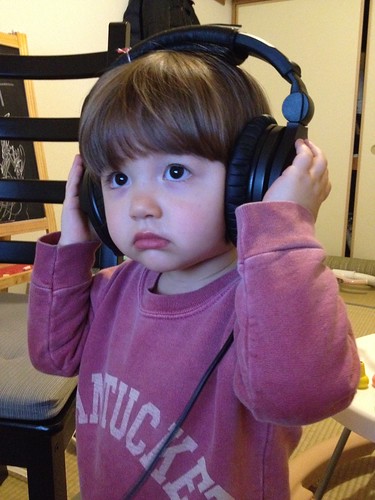
Just... cute.
So six months out of the year I have a beard. This winter it got a little crazy. But don't worry. I shaved for my best friend's wedding.
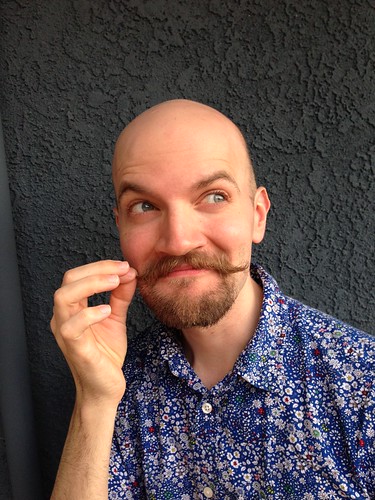
Dastardly.
I got to be a witness for my best friend at his wedding. These two men are two of the biggest influences for good in my life. Every time I get to see them is guaranteed good memories.
Not to mention he married an incredible woman.

I also got to visit the folks in SLC during a work trip and was lucky to witness in person what a powerful force for good my mother is in this world.
See what I mean?
I had forgotten how much I love snowboarding.
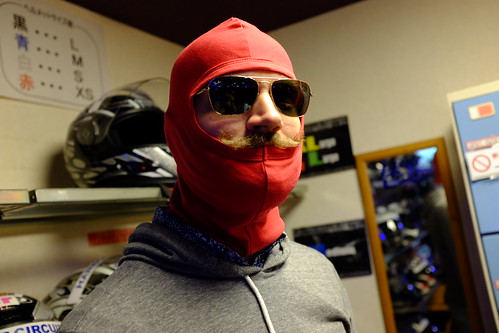
I have also discovered another love; race driving. For now, I am sticking to go-karts. Seriously fun.
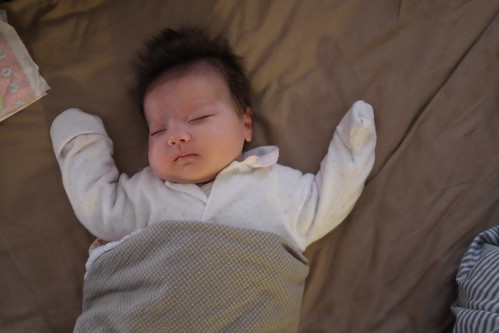
Ok, we are slowly heading back in time now.
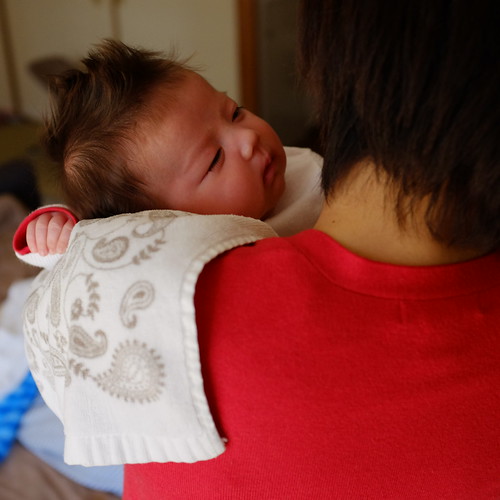
Her little mohawk is a natural wonder. I love it.
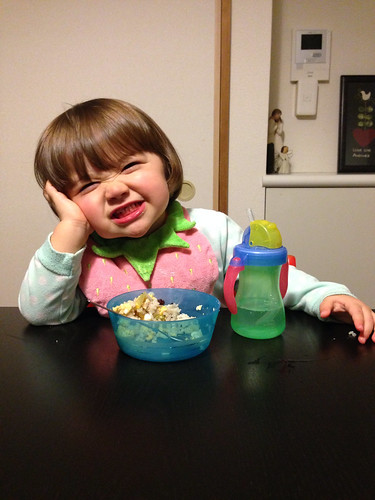
This one has always made me smile.
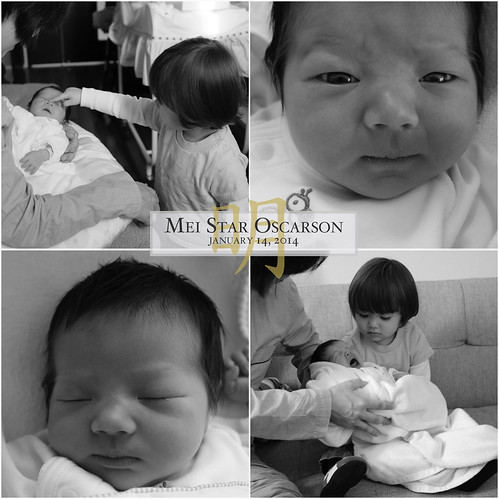
Star's birth announcement. She was born with a very stern look, but she has really mellowed out.
Hero is pretty cute. Wouldn't you say? Be honest.

You can't tell but Sho is SUPER pregnant in this photo.
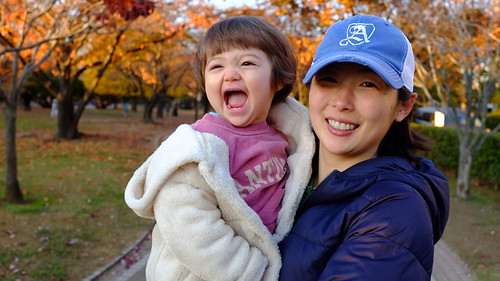
This one too.

This was our first apartment. Last fall we switched to a unit in the same complex, but I still miss the view from that first building.

Some more cute...
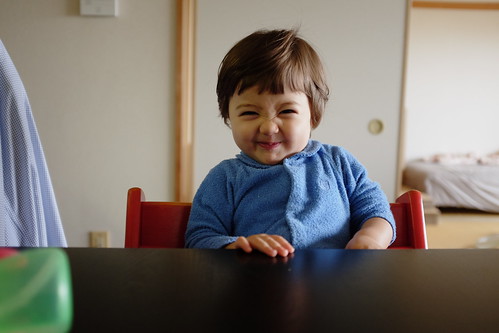
Getting smaller. Shorter hair. But still cute.
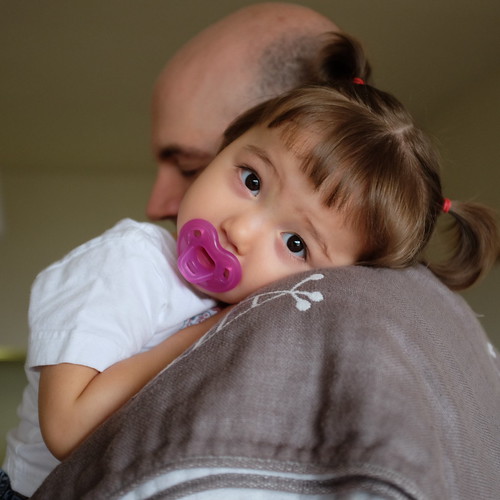
Darling.
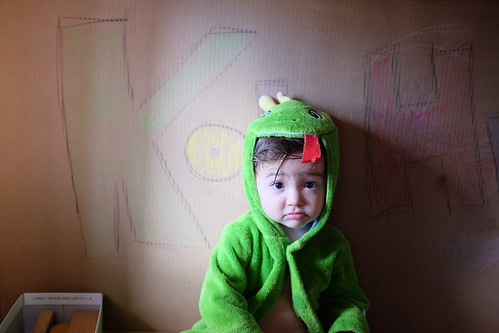
We call her "Kohzilla" when she gets crazy.
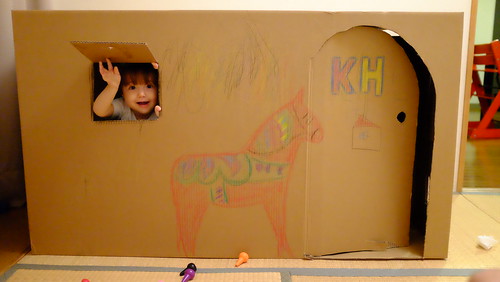
She had her own house for a little bit.
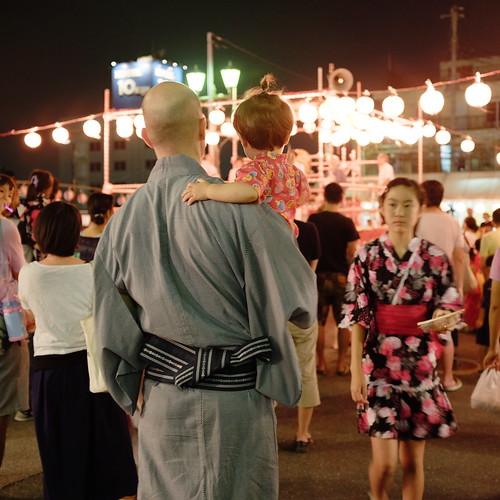
Ok, now we are way back last summer. About once a year I get in proper Japanese garb for a good neighborhood summer festival.
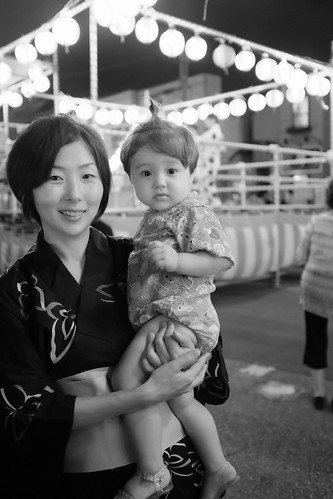
My Japanese ladies.

Hero obliterated her first birthday cake. Yes, there was a cake there at the start.
This is the station I ride to in the morning to get to work. And starting from july this will be the view from my office.
Seriously, if you have never been to Japan you are missing out and you MUST plan a trip. Pull the trigger and pick a date. You will love it. We sure do.
Grandma, this is for you because we love you and miss you terribly.
I have selected a string of photos that somewhat captures the last year of our lives. As it turns out, the string of photos starts with the most recent and goes backwards... I hope this is not too jarring for you all.
We now have two little girls who are the light and love of our lives. You will see a lot of the older one (Hero) as she has been around longer than the new one (Star). Yes, we named our daughters Hero and Star. What can I say? They were our top two favorite names independent of each other. We like them and they suit our little ones very well.
My parents came to Japan for the first time ever just in time to participate in our blessing of Star. It was one of the most special days of my whole life. I hope I never forget any of it.
Someday I will write a very focused touching post on how important it is to me that my girls have the two most amazing examples in their grandmothers (and great-grandmothers) on both sides of the family. These two women are everything I could ever hope my girls would become. They are spiritual giants who adore their granddaughters. Despite the girls' faces in the photo above, their love their grandmoms.
I miss my Mo.
It has also been quite a fun blessing to live in the same complex as Sho's only sister. Their birthdays are close enough to share cake, so that's another bonus.
Did I mention how much I like my mother? She came to see me in Tokyo. I am pretty sure that is the only reason they came.
I think they liked what they saw here.
The company didn't hurt either.
I live in a very clean and pretty place.
The happy tourists.
My parents have always been faithful temple goers.
I want my girls to know their Mo.
Hero just happens to be in that perfectly cute stage right now.
We took a car ride out to the country to a strawberry farm. All you can eat for a half hour. They give you a little tray with condensed milk. It was awesome.
The buffet line.
We ate lots of strawberries.
like... lots.
Our girls are happy and adorable together.
This one has just recently started giggling and it is hilarious and cute.
My work situation changed a bit at the start of this year and I LOVE my job. Sometime I get to do things that just really make me happy. Like take photos.
She is growing out of these PJs and that makes me really sad.
Big help.
Just being cute in Japan.
Hero loves hats and backpacks.
She is like a Star shining brightly...
These two are going to get along swell... we hope.
Just... cute.
So six months out of the year I have a beard. This winter it got a little crazy. But don't worry. I shaved for my best friend's wedding.
Dastardly.
I got to be a witness for my best friend at his wedding. These two men are two of the biggest influences for good in my life. Every time I get to see them is guaranteed good memories.
Not to mention he married an incredible woman.
I also got to visit the folks in SLC during a work trip and was lucky to witness in person what a powerful force for good my mother is in this world.
See what I mean?
I had forgotten how much I love snowboarding.
I have also discovered another love; race driving. For now, I am sticking to go-karts. Seriously fun.
Ok, we are slowly heading back in time now.
Her little mohawk is a natural wonder. I love it.
This one has always made me smile.
Star's birth announcement. She was born with a very stern look, but she has really mellowed out.
Hero is pretty cute. Wouldn't you say? Be honest.
You can't tell but Sho is SUPER pregnant in this photo.
This one too.
This was our first apartment. Last fall we switched to a unit in the same complex, but I still miss the view from that first building.
Some more cute...
Getting smaller. Shorter hair. But still cute.
Darling.
We call her "Kohzilla" when she gets crazy.
She had her own house for a little bit.
Ok, now we are way back last summer. About once a year I get in proper Japanese garb for a good neighborhood summer festival.
My Japanese ladies.
Hero obliterated her first birthday cake. Yes, there was a cake there at the start.
This is the station I ride to in the morning to get to work. And starting from july this will be the view from my office.
Seriously, if you have never been to Japan you are missing out and you MUST plan a trip. Pull the trigger and pick a date. You will love it. We sure do.
2/24/13
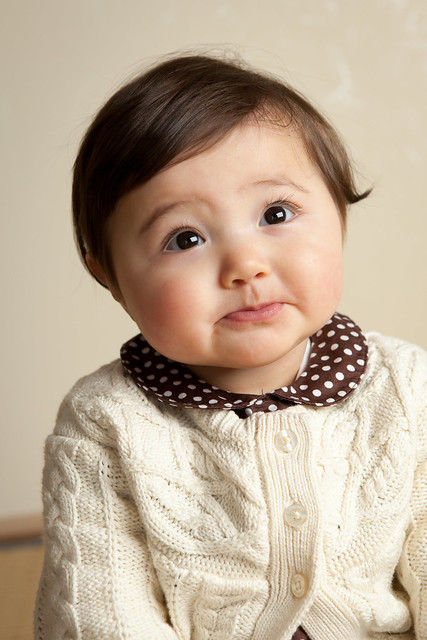
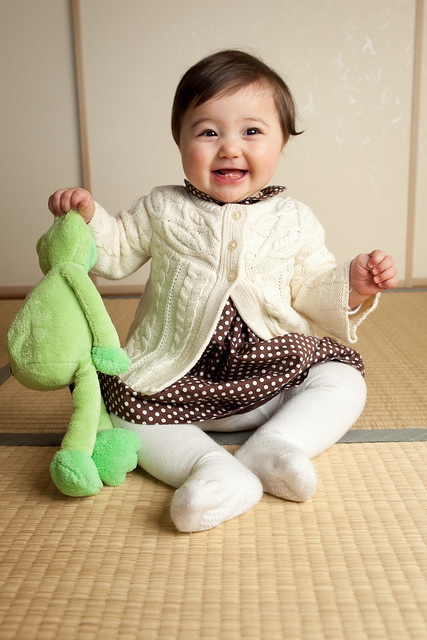
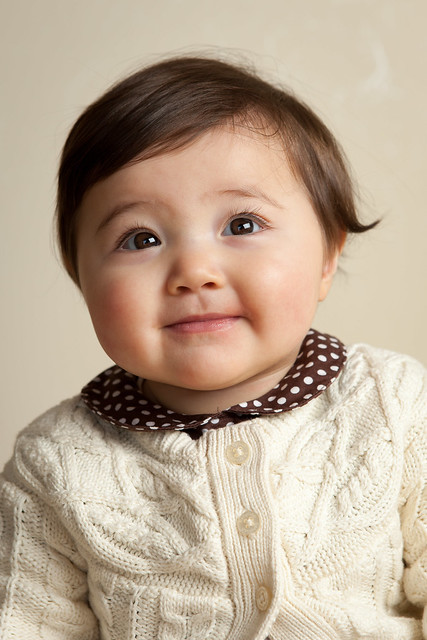
Something to hold me over...
We are currently updating the website to reflect our more recent work and schedule. In the meantime, here are some shots of our cute baby. :)
10/7/12
Summer 2012 Wrap-up
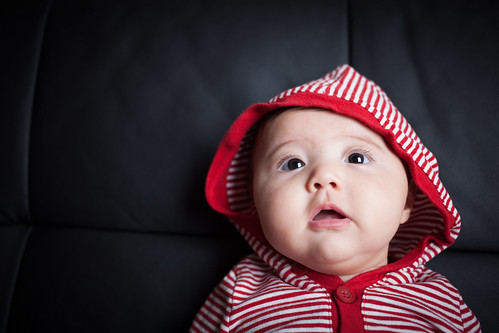
It saddens me to say goodbye to summer. It's been a pretty good one. First of all, our darling little one continued to get cuter day by day. At four months, she now wears clothes marked for 6-12 month olds. She's a chunk... but she's a darn cute chunk.
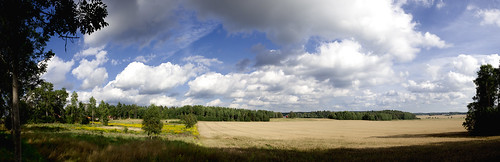
Another reason this summer was particularly remarkable was a special opportunity which we had to take the Little One to meet her paternal grandparents. This would be special in and of itself, however, my parents just happen to live in a particularly amazing part of the world.
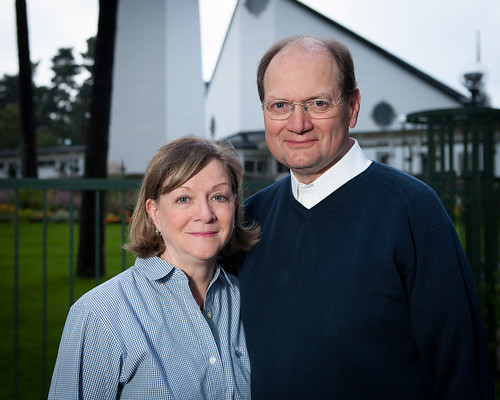
For any who may read this blog and don't know, my parents are serving a service mission for the Church of Jesus Christ of Latter-Day Saints in Stockholm Sweden. I won't lie, it has been pretty fun to tell people "my parents, who live in Stockholm.." They are two of most favorite people and the two best examples of the kind of husband and parent I want to be. These are good people.
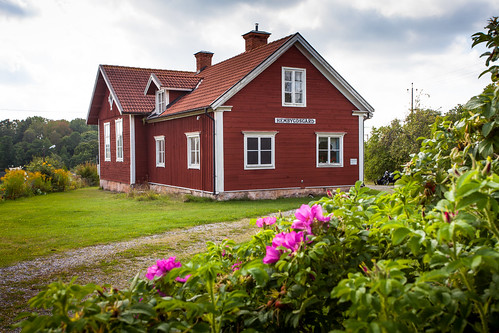
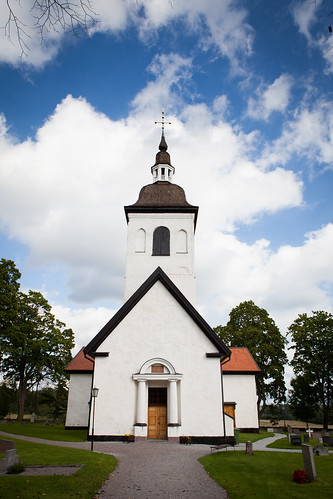
They took us on a all too brief tour of Oscarson family history sites. How many American's know this much about their ancestry and have a father who can actually drive them to see where our family came from? I want to do it again and again. Here's where my great-grandfather went to school. As in this is THE building. How cool is that?
Yet another reason this trip was so special was that my two sisters who had babies within a couple weeks of our little darling were there too. So naturally, we took some pictures.
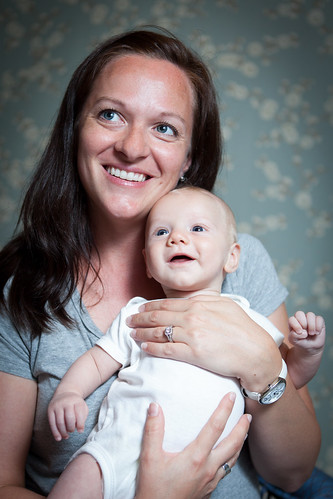
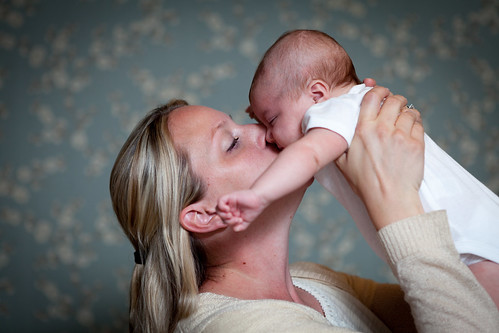
That's the news in a nutshell. I'll say the rest in photos.
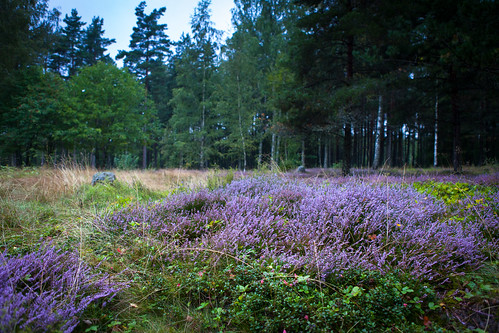

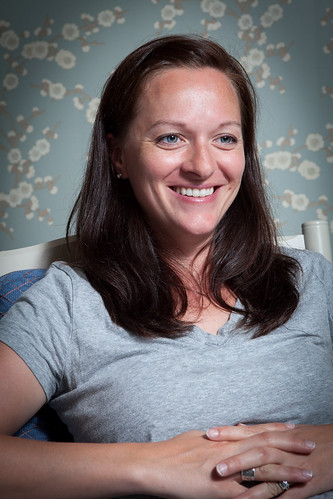
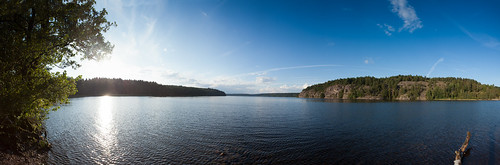
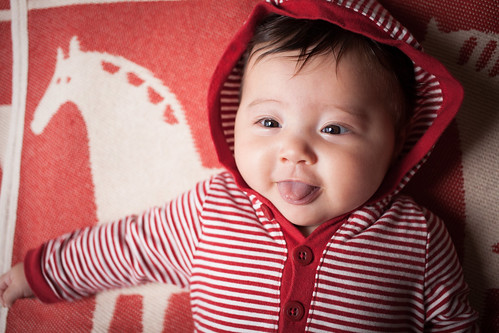
Last, I will leave you with pure cuteness. We have a few shoots coming up soon and I will share favorites as they are done. See you again soon-ish.
Subscribe to:
Posts (Atom)